Create Your AI Brand Voice Guide with the Brand Brief Builder: Make AI Sound Like You, Every Single Time
Answer a short set of questions about your voice, audience, colors, fonts, and banned words. Get a one-page brand brief you can paste into any AI chat.
You have already told AI who you are. Probably five times this month. Each chat starts from zero, so each one sounds like a stranger wrote it. The Brand Brief Builder fixes that. You answer once, and you get a brief you can reuse everywhere.
Click Add to Cart to Get Brand Brief Builder
The problem: Your AI writes like everyone else’s AI
You ask for a caption. You get “Unlock the power of…” You ask for an email. You get “I hope this finds you well.” You delete it, rewrite it by hand, and wonder why you bothered.
So you try again. You type a paragraph about your business, your customers, your tone. The draft improves. Then you open a new chat tomorrow and the AI has forgotten every word.
That loop eats real time. A caption that should take two minutes takes twenty, because you are re-explaining your brand before you can get to the work.
The AI is not the problem. It writes the most average thing it can when it knows nothing about you. Give it specifics and it writes like you. Most people never write those specifics down in one place.
Write it down once. Use it everywhere.
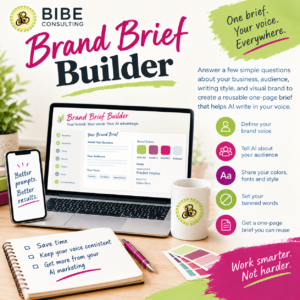
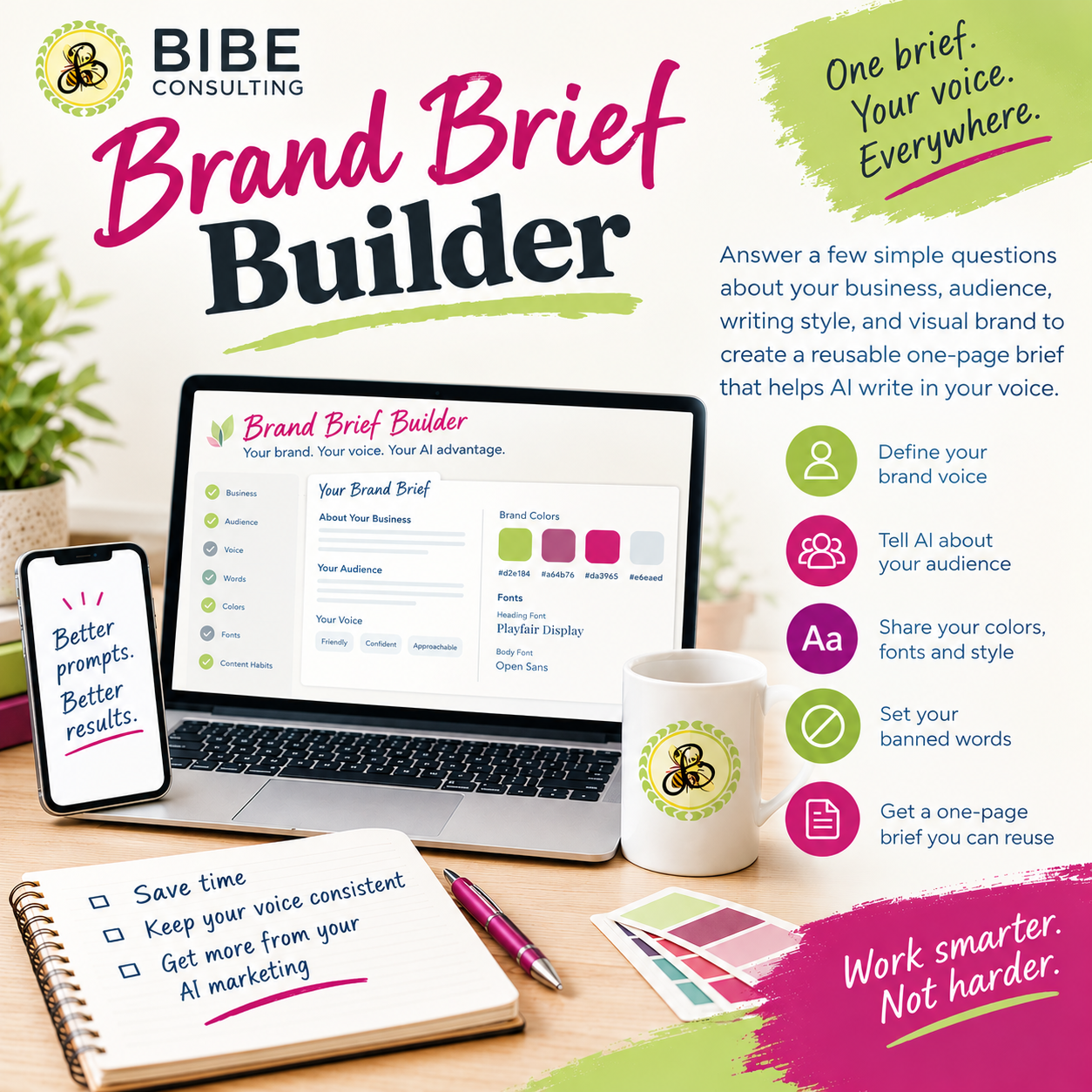
The Brand Brief Builder is an interactive tool that asks the questions for you and builds your brief as you answer. You watch a one-page document fill in beside the form. When you finish, you copy it and paste it above any prompt.
- Answer. Seven short sections: your business, your audience, your voice, your words, your colors, your fonts, and your posting habits. Skip anything you have not decided yet.
- Watch it build. Your brief updates as you type, with color swatches, font previews, and a voice slider for each spot where you land between formal and casual.
- Copy. One button copies the brief. A second button adds a short instruction on top, so any AI chat knows to follow it.
Your answers stay in your browser, so you can stop halfway and come back.
One page. Everything your AI needs to know about you.
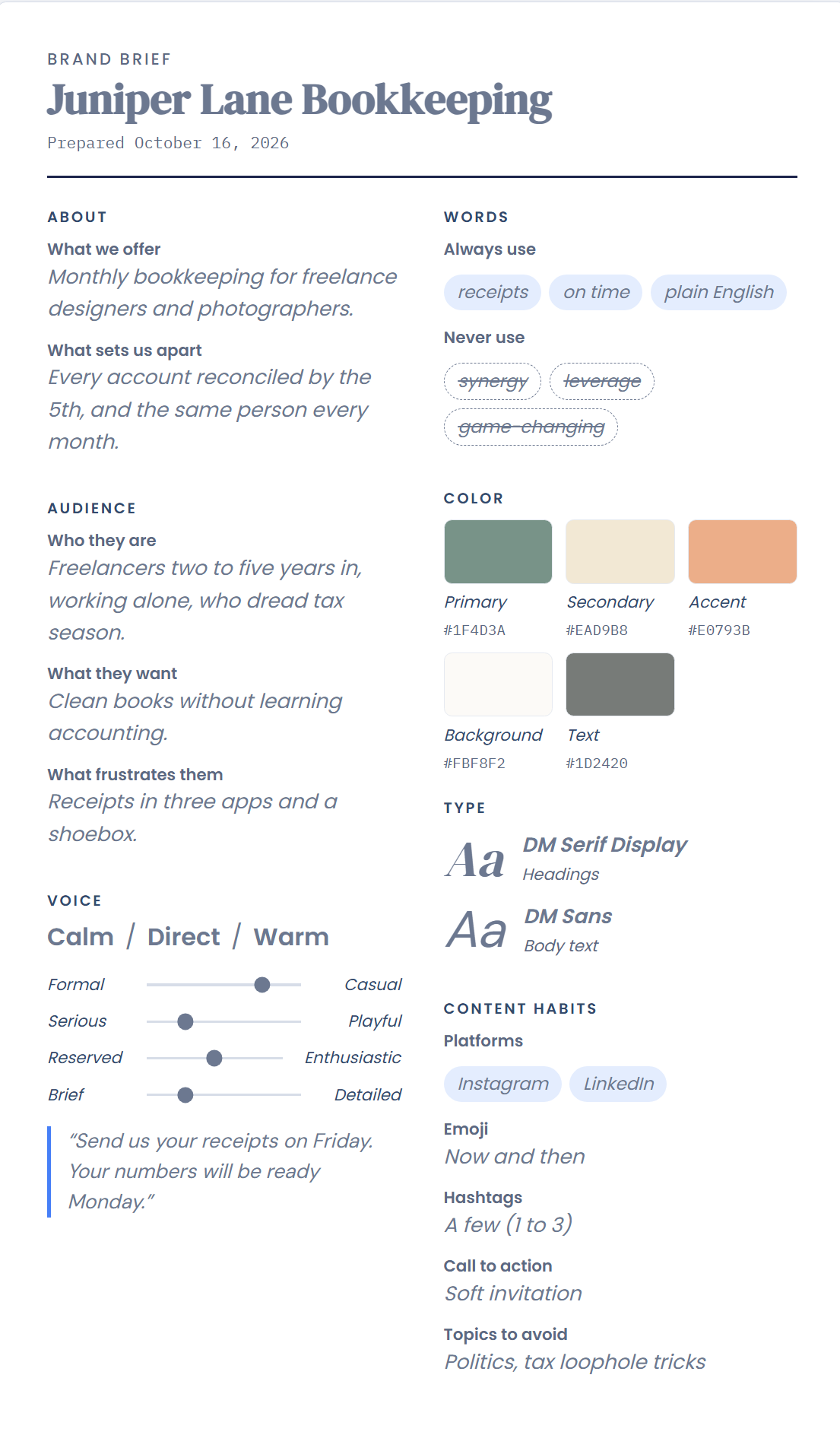
- About. What you offer and what sets you apart, in your own words.
- Audience. Who they are, what they want, and what frustrates them.
- Voice. Three words that describe you, four sliders that show where you land, and one sentence that sounds like you.
- Words. The phrases you use often and the ones you never use. The tool suggests common AI-sounding phrases to ban, such as “game-changing” and “dive in,” so you can add them with one tap.
- Color. Primary, secondary, accent, background, and text, each with its hex code.
- Type. A heading font and a body font from a list of free Google Fonts, or type in your own.
- Content habits. Where you post, how you use emoji and hashtags, how you close a post, and the topics you avoid.
Paste it once. Get your voice back.
Your brief is plain text, so it works in any AI chat, doc, or design tool.
- Paste it at the top of a new AI chat before you ask for anything.
- Save it in a project or custom instructions so you never paste it again.
- Hand it to a freelancer, a VA, or a designer so they start with your voice and your colors.
- Keep a copy beside your content calendar and check drafts against your never-use list.
Pairs with the Content to Social Shortcut Prompt. If you use that prompt to turn one post into a week of captions, paste your brief above it. The captions and the graphic prompts will come back in your voice, with your colors in mind.
Built for people who do their own marketing
This is for you if:
- You run your own business and write your own posts, emails, and pages.
- You use AI for drafts and keep rewriting them to sound like you.
- You work with a VA or freelancer and want them to get your voice right the first time.
- You have a rough idea of your brand but never wrote it down.
This is not for you if:
- You want a logo, a full brand identity, or a style guide with design files. This tool builds a written brief, not a visual identity.
- You want the tool to write your content. It builds the brief you paste into the AI tool you already use.
FAQ
Do I need to know anything about branding? No. Every question comes with a hint, and you can skip anything you have not decided. A partial brief still helps.
How long does it take? Seven short sections. Most people finish in one sitting.
Which AI tools does it work with? The brief is plain text, so you can paste it into any AI chat that accepts a prompt.
Will it make my AI sound exactly like me? It gives the AI your voice, your words, and your boundaries, which gets you much closer on the first draft. You will still edit, and the more specific your answers, the less you will change.
Can I change my answers later? Yes. Your answers stay in your browser, so you can return, update them, and copy a fresh brief. Clearing your browser data clears them, so paste your finished brief into a note too.
Do you see my answers? No. Everything you type stays in your own browser.
Stop re-explaining your brand
You have explained who you are to AI more times than you can count. Do it one more time, in one place, and keep the result.
Get the Brand Brief Builder Today
Your answers stay in your browser. Nothing you type is sent to BIBE Consulting.