Know Your Target Audience Before You Build
Fill in your niche once.
Run ready-made AI prompts.
End with your target audience profile.
You spend three weeks on a new product. The sales page looks sharp. The launch email goes out on a Tuesday. By Wednesday, two people have opened it, and one of them is you, checking that it sent.
The product wasn’t bad. You just built it for an audience you only half knew. You picked a topic, picked a format, and hoped someone was waiting on the other side. Plenty of smart marketers work this way. It costs weeks of effort and a quiet inbox.
The businesses that convert well do something different before they build anything. They find out who their buyers are, what those buyers do online, what bothers them, and who else is already serving them. Then they build.
That research used to mean hours of scrolling through forums, comment threads and competitor blogs. With AI, you can cover the same ground much faster, as long as you ask the right questions.
How to Do Target Audience Research with AI
Most people who try AI for audience research type one big question and get one big, vague answer. “Tell me about my audience” returns a paragraph you could have written yourself.
The better method is to ask one specific question at a time. Age gets its own prompt. So do buying habits, pain points, competitor weaknesses and rising trends. Each answer is small enough to use, and each one feeds the next.
That method is easy to understand and tedious to set up. You have to write the prompts, swap in your niche every time, keep track of what came back, and turn a pile of notes into something you can act on.
The Interactive Target Audience Research Worksheet does that setup for you.
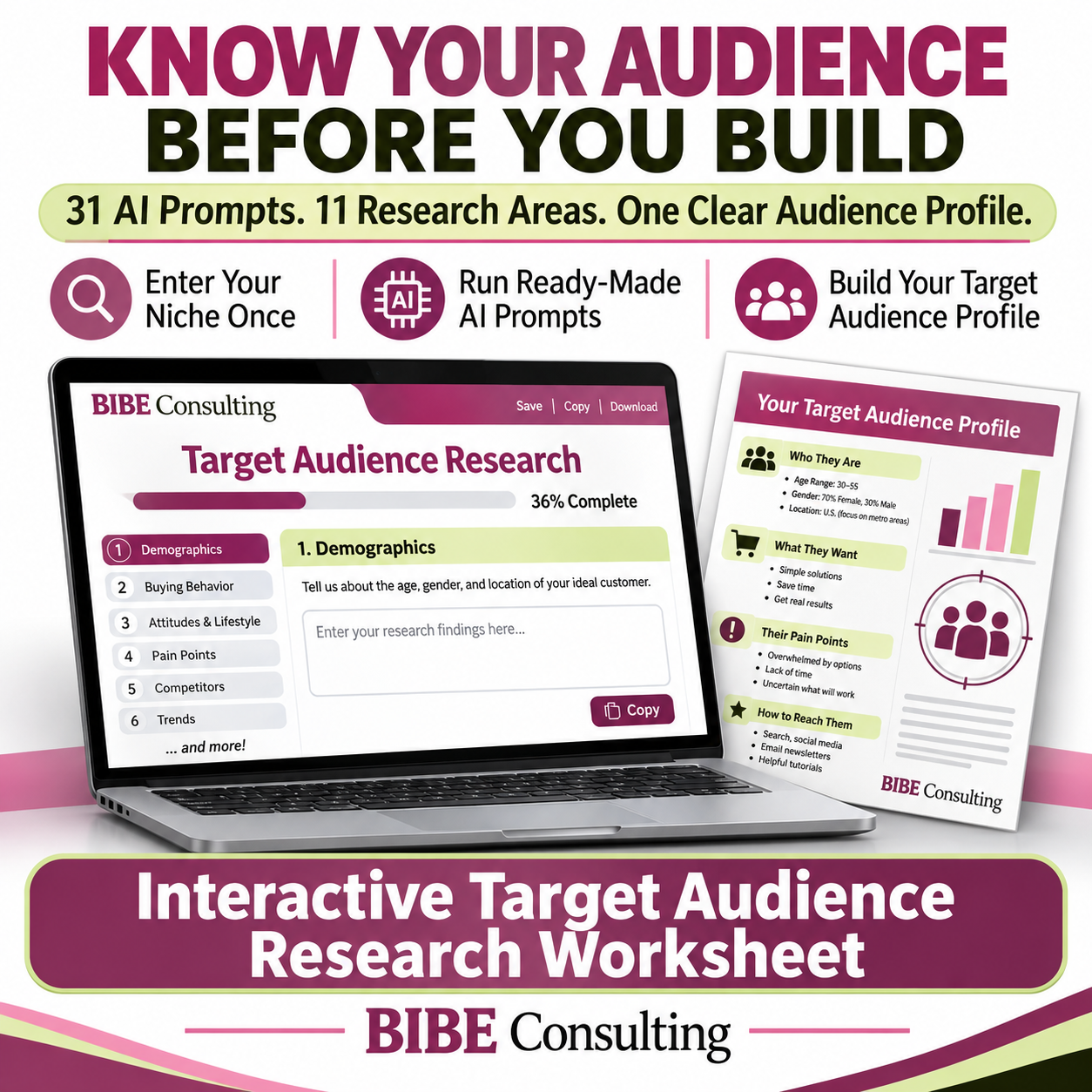
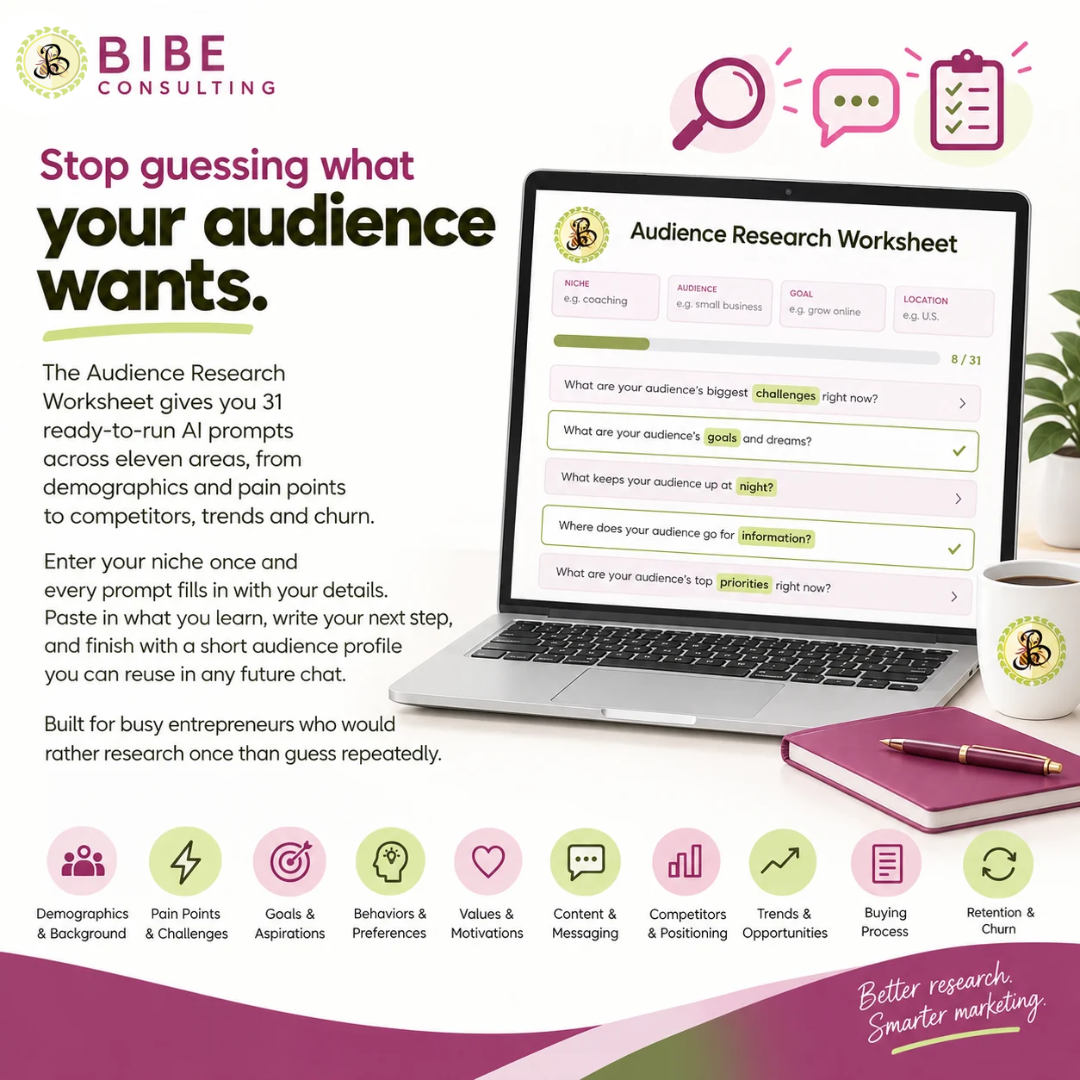
You enter your niche once. Every prompt fills in with your details. You copy it into your AI tool, paste back what you learn, and write down what you’ll do about it. When you’re done, one button turns your findings into a target audience profile, written so you can paste it at the start of any future chat and skip the re-explaining.
What Your Target Audience Research Covers
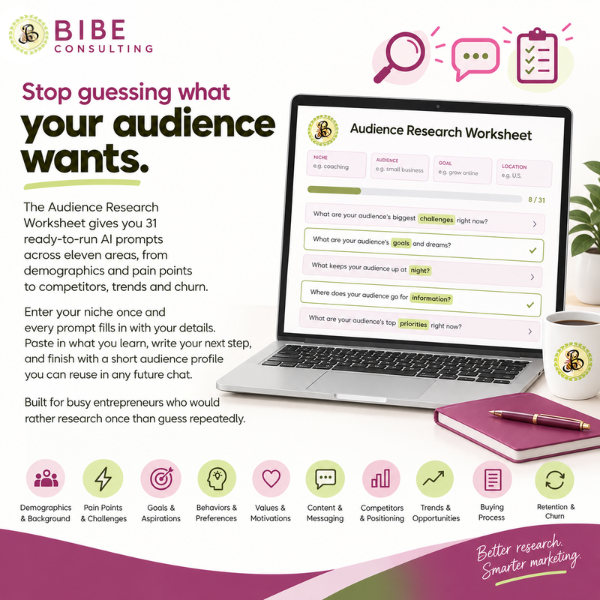
You get 31 ready-to-run prompts across 11 areas of target audience research.
Who your audience is:
- their demographics
- their buying and browsing behavior
- their attitudes and lifestyle
 the specific problems they want solved.
 the specific problems they want solved.
Where your business stands:
- what your competitors’ audiences like and dislike
- how people feel about your topic
- which trends are rising
- which content gets engagement.
Keep and grow what you build:
- spotting subscribers who are drifting away
- finding collaboration partners worth pitching
- personalizing your emails and campaigns.
Every prompt has a copy button and a box for the findings, so your research stays in one place instead of scattered across chat windows. Each section ends with a short question that turns what you learned into a decision. A progress bar shows how far through you are.
Two buttons at the bottom close the loop. One builds a target audience profile from your findings, ready to paste into future chats. The other downloads the whole worksheet as a text file you can keep or attach to a project.
Your entries save as you go, so you can work through it over a few sittings.
Who Needs Target Audience Research
This worksheet is for entrepreneurs, bloggers, and course creators who have limited time and would rather research once than guess repeatedly.
It’s for you if you’re choosing a niche, planning a product, rewriting a sales page, or wondering why your emails get opened and ignored.
Here’s how it works. Enter your niche, platform, a topic, a competitor, an influencer and any data you can share. Work through the prompts in any order and paste in what comes back.
Write your next step at the end of each section. Then build your audience profile and keep it for every future chat.
For the best results, turn on web search in your AI tool, or paste in your own numbers for the prompts that need them. The worksheet tells you which ones.
FAQs
Which AI tool do I need? Any AI chat tool works. You copy each prompt from the worksheet and paste it into the tool you already use.
Does the worksheet pull live data? No. It gives you the prompts and a place to keep the answers. For prompts about recent searches or trends, turn on web search in your AI tool or paste in your own data, and check anything time-sensitive against a real source.
How long does it take? Each prompt takes a few minutes. Most people will want several sittings to cover all eleven areas, and your entries save as you go.
Do I have to do all 31 prompts? No. Start with the sections that match what you’re deciding this week. Pain points and competitors are a good first pair if you’re planning a product.
Ready to stop guessing? Get the Interactive Target Audience Research Worksheet for [price] at [link]. Enter your niche, run your first prompt, and see what your audience has been telling the internet without you.